
 By Helen Wick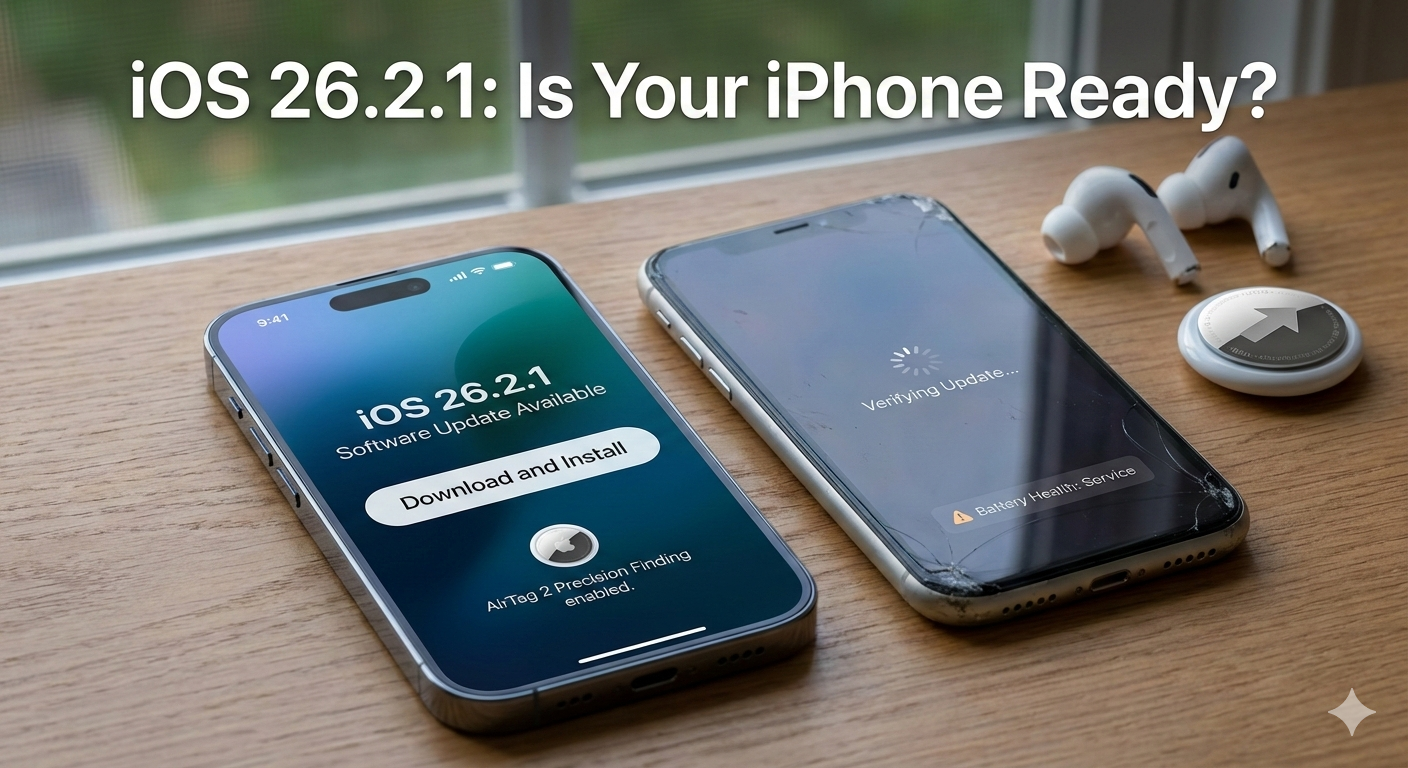
Is Your iPhone Ready for the AirTag 2 Revolution?
What’s New in iOS 26.2.1?
While this isn’t a “feature heavy” overhaul like the initial iOS 26 “Liquid Glass” launch, it contains critical under-the-hood stability improvements and support for Apple’s newest hardware.
- AirTag 2 Integration: This update is mandatory if you’ve picked up the second-generation AirTags. It enables enhanced Precision Finding with a significantly extended range and support for the louder internal speaker.
- Emergency Call Fix: Specifically addresses a critical bug (reported by carriers like Telstra) that prevented some users from reaching emergency services.
- System Binary Overhaul: Security researchers have found that over 60 system binaries, including Bluetooth, Camera, and Audio subsystems, have been tweaked for better efficiency.
Compatibility: Which Devices Can Update?
Apple’s support cycle has tightened in 2026. To run the full Liquid Glass UI and AI-driven features of iOS 26, you generally need a device with an A13 chip or newer.
| Device Series | Compatibility Status | Notes |
| iPhone 17 / 17 Pro / Air | Fully Optimized | Native support; best performance. |
| iPhone 16 / 15 / 14 | Fully Compatible | Runs all features smoothly. |
| iPhone 13 / 12 | Compatible | May lack some advanced “Liquid Glass” animations. |
| iPhone 11 / SE (2nd Gen) | Limited Support | Final major cycle; missing some AI features. |
| iPhone XR / XS / XS Max | Unsupported | Restricted to iOS 18.7.4 security patches. |
The “Slowdown” Warning: Which Mobiles Are Affected?
It’s the age-old question: Will this update kill my battery? In the 2026 landscape, the iPhone 11 and iPhone SE (2nd Gen) are the most at risk.
Because iOS 26.2.1 heavily utilizes the Apple Intelligence 2.0 engine and the new “Liquid Glass” design language, these older processors (A13 Bionic) are pushed to their absolute thermal limits. If your battery health is below 80%, you may experience significant UI lag or “ghost” touches after installing this update.
Pro Tip: If you are on an iPhone 12 or older, check your Battery Health in Settings before updating. If it’s degraded, consider a battery replacement to avoid CPU throttling.
Why This Update is Important (Is it Worth It?)
Yes, it is important. Even if you don’t care about the new AirTags, the iOS 26.2.1 patch fixes a dangerous glitch in the emergency calling system. For users in Australia and parts of Europe, this is a literal life-saving fix. Furthermore, the undocumented fixes for the Bluetooth and Audio subsystems resolve the “crackling” issues many users reported with AirPods Pro 3.
Final Verdict
- Update Now If: You own AirTag 2, use AirPods Pro 3, or live in a region with emergency calling bugs.
- Wait If: You are using an iPhone 11 with poor battery health and don’t need the new accessories.
- Primary: iOS 26.2.1 update, iPhone 17 Pro iOS 26, AirTag 2 support.
- iPhone slowdown 2026, Liquid Glass UI features, Apple emergency call fix, iOS 26 compatibility list.
iOS 26.2.1 features and AirTag 2 details
Click on the link that video provides a deep dive into the stability and new features of the iOS 26 era, including the latest battery performance results for older iPhones.